WRITINGUW-027
How to Create DOM Elements from HTML Strings (Multiple Methods)
When we need to create simple dynamic HTML DOM elements, we can use HTML string templates. There are many different methods to achieve this in JavaScript, but we might have some considerations.
innerHTML
const container = document.createElement('div');
container.innerHTML = `<div>Hello World</div>`;
const node = container.firstElementChild;
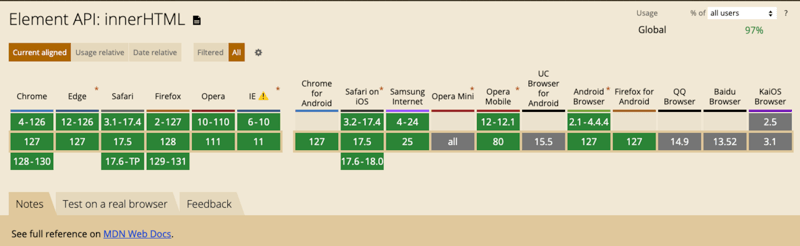
This is one of the most common methods. Insert the HTML string into the innerHTML of a container element, and then access the generated DOM node.
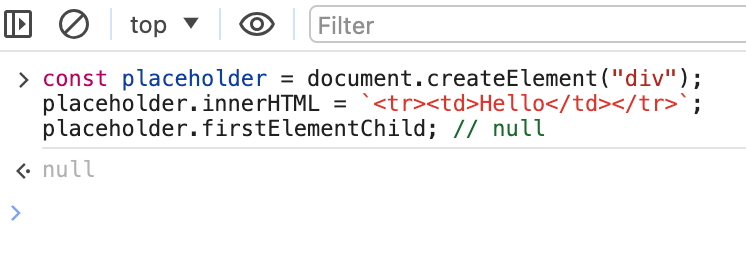
However, it can only handle valid HTML nodes, i.e., elements that are legal in standard HTML structures. For example, if you try to insert a <tr> element into a <div>, the node will not be created.
Additionally, this method will not execute any scripts in the HTML string, which is safer when dealing with untrusted content.
innerHTML + template Element
const template = document.createElement('template');
template.innerHTML = `<div>Hello World</div>`;
const node = template.content.firstElementChild;
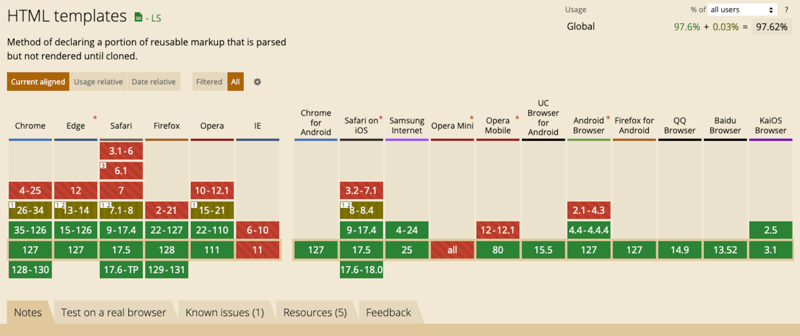
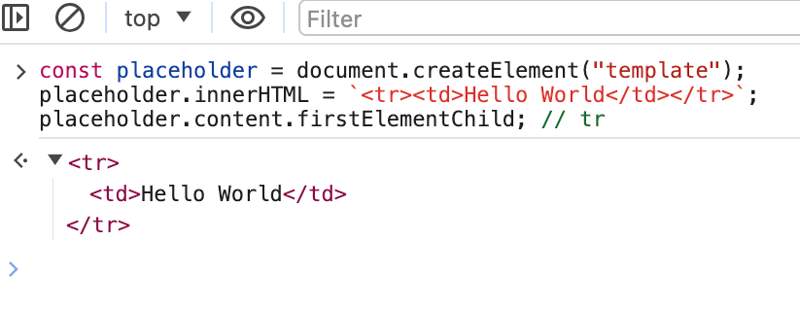
The advantage of using the <template> tag is that it has no content restrictions and can contain any type of HTML structure, including table-related elements like <tr> and <td>.
insertAdjacentHTML
const container = document.createElement('div');
container.insertAdjacentHTML('afterbegin', `<div>Hello World</div>`);
const node = container.firstElementChild;
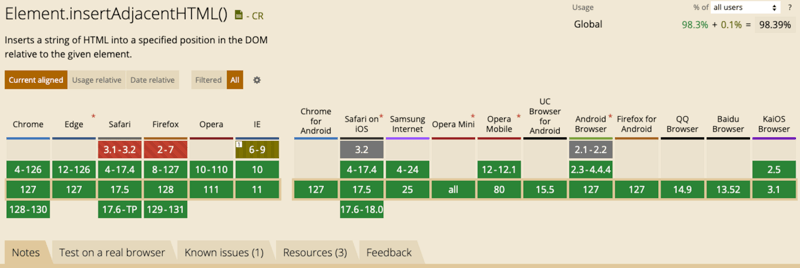
This method is similar to innerHTML and can only handle valid HTML nodes. It also will not execute scripts.
DOMParser
const node = new DOMParser().parseFromString(
  `<div>Hello World</div>`,
  'text/html',
).body.firstElementChild;
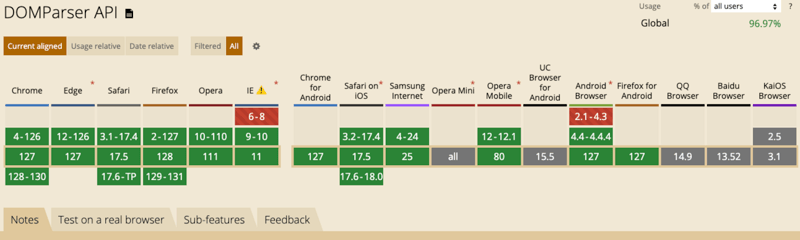
This method parses the string by creating a full HTML document and then extracts the node from the document. This means it is relatively slower than other solutions and is not recommended for use.
It can only handle valid HTML nodes and will not execute scripts.
Range.createContextualFragment
const node = document
  .createRange()
  .createContextualFragment(`<div>Hello World</div>`).firstElementChild;
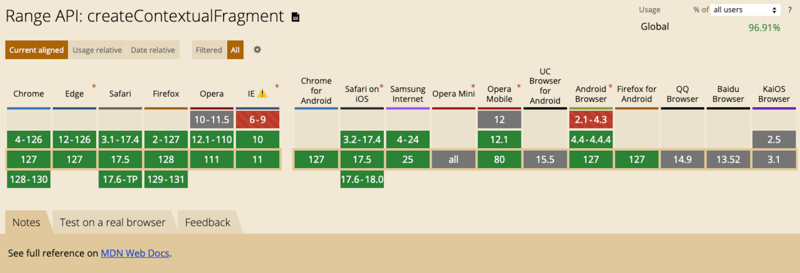
This method is possibly the simplest. It also can only handle valid HTML nodes by default. However, we can set the context to avoid this.
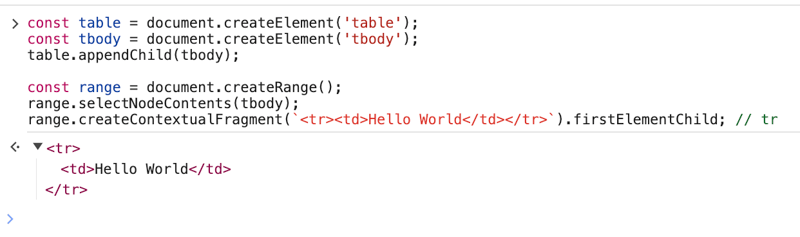
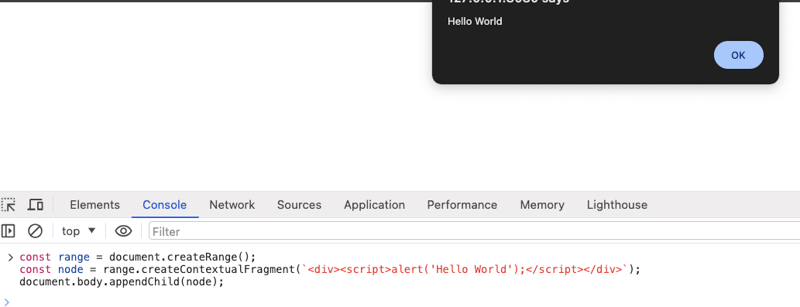
Note that it will execute scripts in the HTML string, so be especially careful when dealing with untrusted content, such as using a cleaner like DOMPurify.
Conclusion
For different cases, you might need to choose the method that works best for you.
If you found this helpful, consider subscribing to my newsletter for weekly web development insights and updates. Thanks for reading!